
Why small businesses need AI automation
The landscape of small business technology has shifted. In 2026, the distinction between a simple tool and an autonomous agent is blurring. Early adopters are no longer just using AI to draft emails or summarize documents; they are deploying systems that execute multi-step workflows independently. This is not about replacing staff, but about giving small teams the operational capacity of a much larger organization.
For a small business, the value proposition is clear: efficiency and competitive parity. A solo entrepreneur or a five-person team can now handle customer onboarding, inventory updates, and initial data analysis without hiring additional headcount. The friction of manual data entry and repetitive administrative tasks is disappearing, allowing business owners to focus on growth strategy and client relationships.
Adopting these tools is no longer a luxury for tech-heavy industries. It is a practical necessity for survival in a market that demands faster response times and higher personalization. The businesses that thrive in 2026 will be those that integrate these autonomous systems into their daily operations seamlessly.


As an Amazon Associate, we may earn from qualifying purchases.
Best AI automation tools for small business
Choosing the right AI automation software depends less on hype and more on your existing workflow. In 2026, the market has shifted from simple task runners to agentic systems that can make decisions and coordinate multi-step processes. For small businesses, the goal is usually to reduce manual data entry, streamline customer communication, or automate internal approvals without hiring a dedicated IT team.
The tools below are categorized by their primary strength. Some are better suited for connecting apps, while others excel at generating content or managing complex backend systems. We have selected options that balance power with ease of use, ensuring you can deploy them quickly.
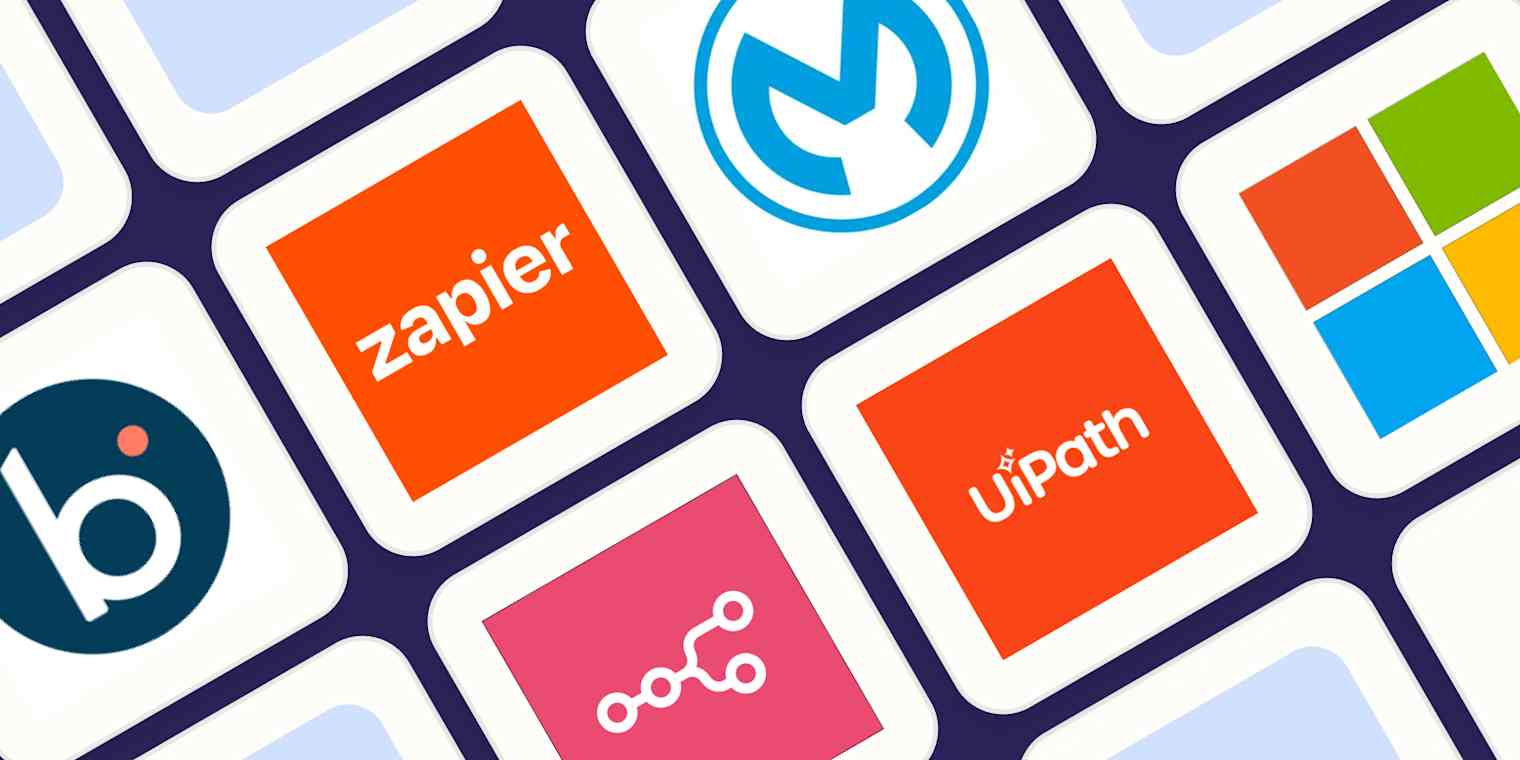
Zapier
Zapier remains the most accessible entry point for small businesses. It connects over 6,000 apps and allows you to build "Zaps"—automated workflows that trigger actions across different platforms. The 2026 update includes AI features that let you describe a workflow in plain English, and Zapier builds the logic for you. This reduces the learning curve significantly, making it ideal for non-technical founders who need to move data from a form to a spreadsheet or CRM without writing code.
Microsoft Copilot Studio
If your business already relies on the Microsoft 365 ecosystem, Copilot Studio is the most natural choice. It allows you to build custom AI agents that can access your internal documents, SharePoint sites, and business processes. You can create bots that answer employee questions, draft internal reports, or automate approval workflows. Because it integrates natively with Teams and Outlook, it feels like a natural extension of your daily work rather than a separate tool.
MuleSoft
For small businesses with legacy systems or complex data needs, MuleSoft offers robust integration capabilities. It is particularly strong in handling sensitive data and connecting on-premise databases with cloud applications. While it has a steeper learning curve than Zapier, it provides the security and control needed for businesses in regulated industries or those with intricate backend infrastructure. It ensures that data flows securely between your old systems and new AI tools.
Automation Anywhere
Automation Anywhere is designed for long, multi-step business workflows that require decision-making. It uses AI-powered agents to handle tasks that involve multiple systems and human approvals. This tool is best for operations like order processing, invoice verification, or customer onboarding, where a single error can have significant consequences. It combines robotic process automation (RPA) with AI to handle exceptions and unstructured data.
Boomi
Boomi excels at connecting legacy and on-premise systems with modern cloud applications. It is a strong choice for small businesses that have outgrown basic spreadsheet management but are not yet ready for enterprise-grade solutions. Boomi’s visual interface allows you to map data flows between different platforms, ensuring that your historical data remains accessible while you adopt new AI tools. It provides a reliable bridge between your past infrastructure and future automation needs.


As an Amazon Associate, we may earn from qualifying purchases.
| Tool | Best For | Technical Level |
|---|---|---|
| Zapier | App connectivity | Low |
| Microsoft Copilot Studio | Microsoft ecosystem | Low |
| MuleSoft | Secure integration | High |
| Automation Anywhere | Complex workflows | Medium |
| Boomi | Legacy systems | Medium |
How to choose the right AI automation tool
Selecting the right AI automation tool for your small business is less about finding the most powerful software and more about fitting the tool into your existing workflow. In 2026, the shift toward agentic AI means systems can make decisions and execute multi-step tasks independently, but this power is useless if it breaks your current operations. Start by auditing your tech stack to ensure seamless integration. If you rely heavily on Microsoft 365, tools like Microsoft Copilot Studio offer a natural fit for automating internal documents and workflows without requiring complex API bridges.
Evaluate your specific use cases against the tool’s core strengths. Zapier remains a strong choice for building safe, reliable automations that connect disparate apps, while Boomi is better suited for businesses managing legacy on-premises systems. Avoid the temptation to buy a comprehensive suite if you only need to automate one or two repetitive tasks. A focused tool reduces training time and minimizes the risk of errors in critical processes.
Finally, consider the human element. The best tools are those your team will actually use. Look for interfaces that require minimal technical training and prioritize security features that protect your customer data. If a tool requires a dedicated IT manager to maintain, it is likely too heavy for a small business environment. Choose software that empowers your current staff rather than replacing them with a complex system they cannot control.
List every software application your team uses daily. Identify which ones have open APIs or native integrations with major AI platforms. This prevents buying a tool that sits isolated on your desktop, forcing manual data entry that defeats the purpose of automation.
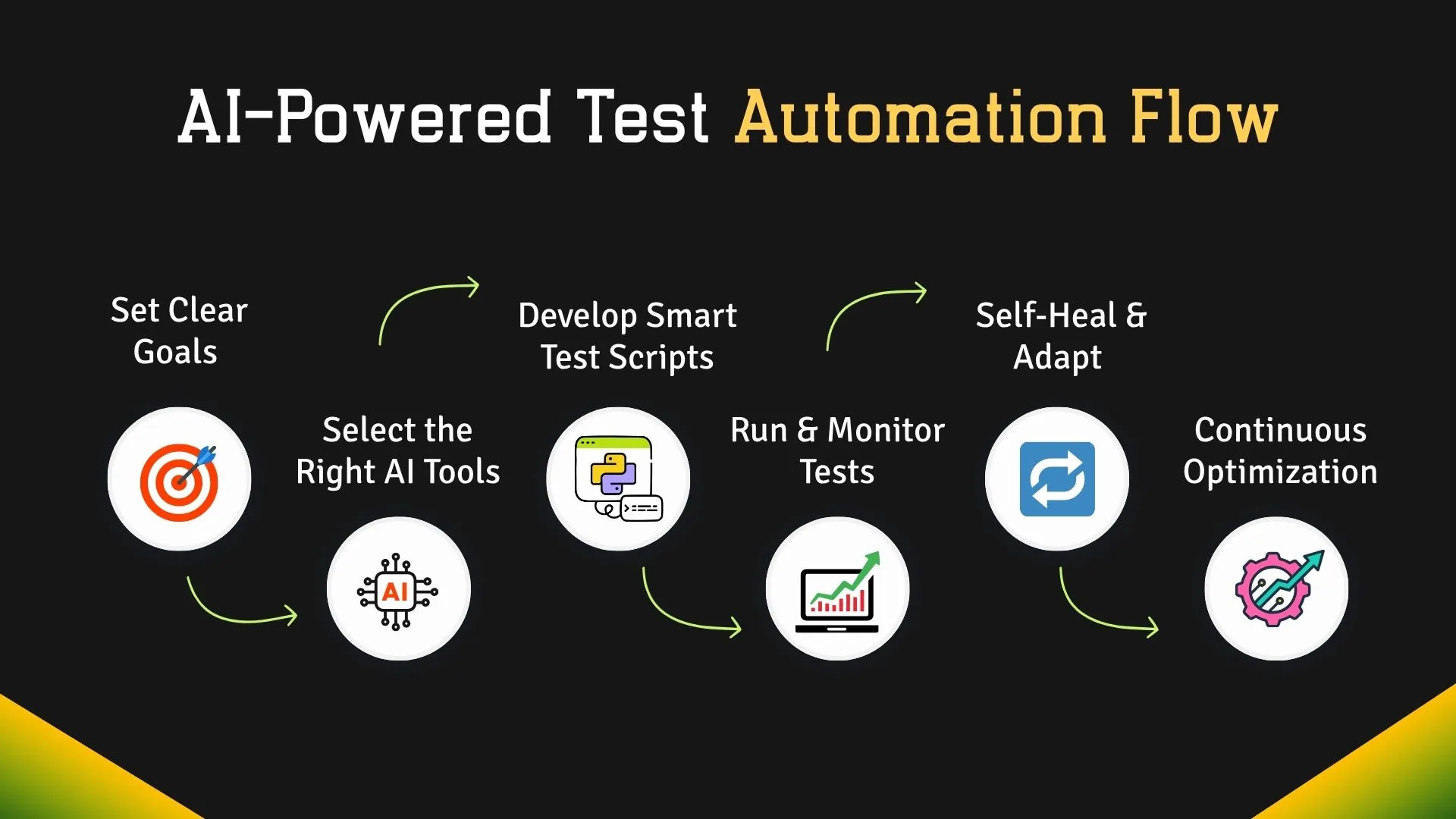
AI is not a magic wand for all business inefficiencies. Pinpoint one or two high-friction, repetitive tasks that consume significant time, such as invoice processing or customer email triage. A narrow focus ensures you can measure the ROI of the tool quickly and prove its value to stakeholders.
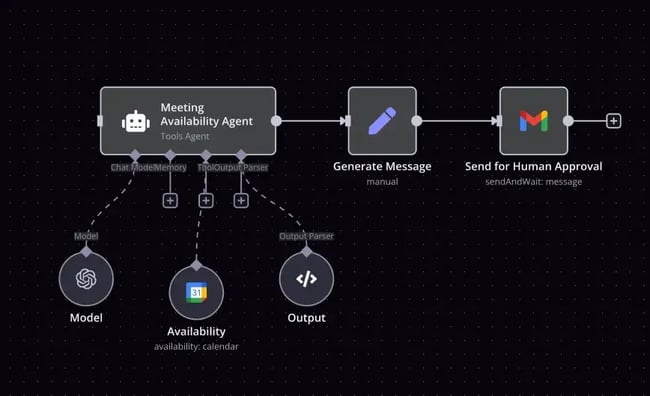
Before committing to a subscription, run a pilot test with a small dataset. Verify that data flows correctly between your existing tools and the new AI system. Simultaneously, review the provider’s security certifications to ensure your customer data remains protected under GDPR or other relevant regulations.

Watch a tutorial or request a demo to gauge the learning curve. If your team needs extensive training to perform basic tasks, the tool is likely too complex. Check for accessible customer support and community forums, which are critical when troubleshooting unexpected automation errors.


As an Amazon Associate, we may earn from qualifying purchases.
Frequently Asked Questions About AI Automation
Which automation tool is in demand in 2026?
Agentic AI platforms are the primary demand driver this year. Unlike legacy automation that follows rigid scripts, tools like n8n and Make enable autonomous agents that can plan and execute multi-step workflows across different apps without constant human intervention.
What is the best AI automation tool for small businesses?
The "best" tool depends on your technical comfort level. For visual workflow builders, Make offers the most flexibility for non-coders. For deep integration with existing small business stacks, Zapier remains the industry standard. For custom AI agents, n8n provides powerful open-source control.
What are the top 10 AI tools in 2026?
Top performers now prioritize autonomous capabilities over simple chat interfaces. Leading tools include ChatGPT for content, Midjourney for visuals, Jasper for marketing copy, and n8n for complex backend automation. The shift is toward tools that can handle entire project lifecycles rather than single tasks.
What is the new AI technology in 2026?
The defining trend is the shift from passive assistants to autonomous systems. New AI technologies act as digital collaborators, making decisions and carrying out tasks independently. This "agentic" approach allows small businesses to deploy AI that actually manages operations rather than just drafting emails.
No comments yet. Be the first to share your thoughts!