
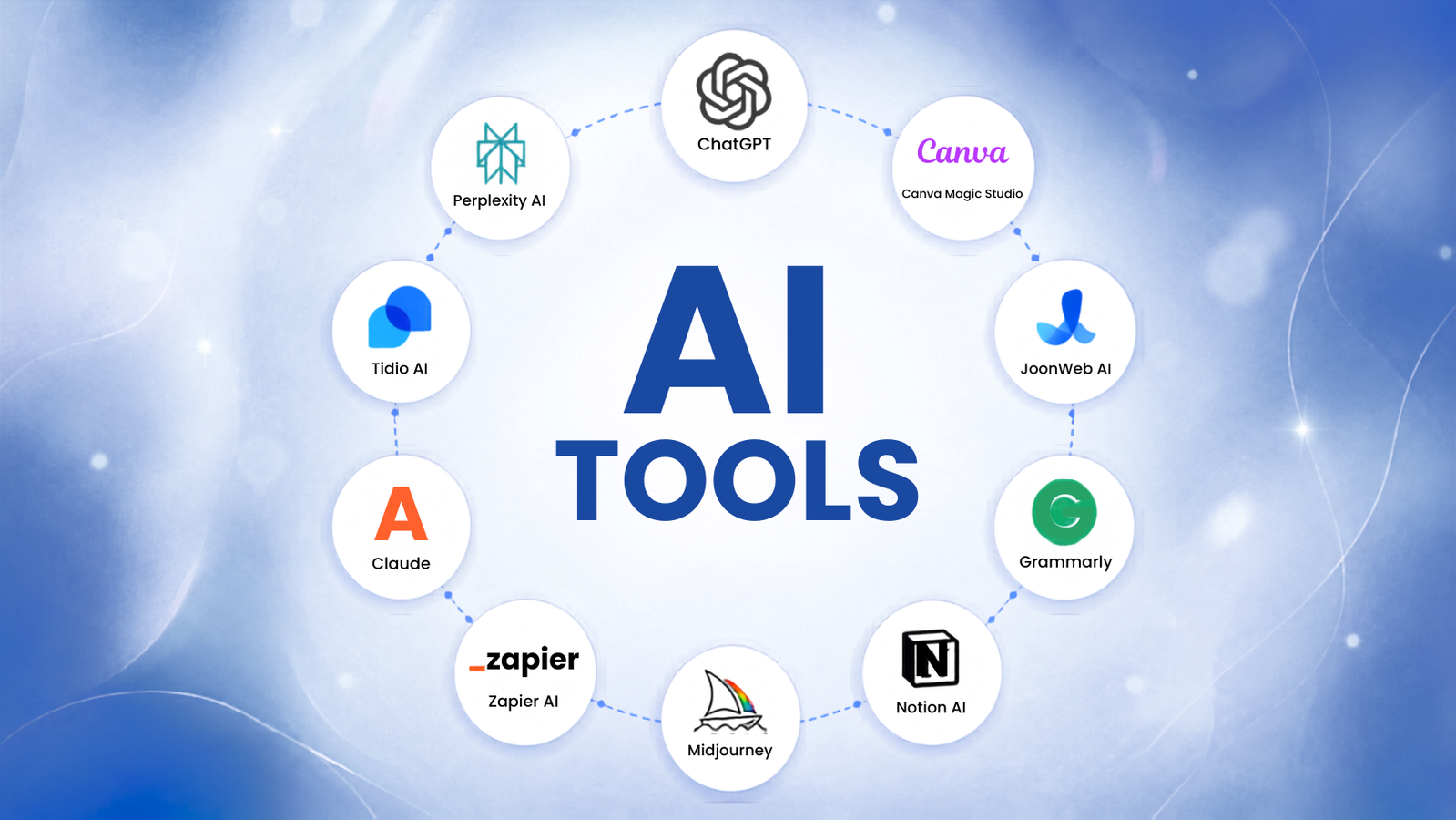
Why small businesses need AI automation
Small teams in 2026 are facing a different kind of squeeze. The cost of labor has climbed, but the expectation for instant, personalized customer service has not dropped. You cannot hire a full-time specialist for every repetitive task—data entry, appointment scheduling, or lead qualification—without blowing your budget. This is where AI automation tools for small businesses stop being a luxury and become essential operational infrastructure.
The shift is no longer about flashy experiments. It is about replacing manual friction with reliable systems. Platforms like Zapier now connect over 5,000 applications, allowing a two-person team to act like a department of ten. When a lead fills out a form, an AI tool can instantly qualify them, update your CRM, and draft a follow-up email before you have even logged into your computer. This is not magic; it is simply doing the work that used to eat up your evenings.
Adopting these tools early gives you a structural advantage. While larger competitors are still untangling legacy software and debating ROI, you are already saving hours every week. The goal is not to replace human creativity but to remove the administrative drag that keeps you from using it. By automating the mundane, you free up your team to focus on strategy, relationships, and growth.
10 Best AI Automation Tools for Small Businesses in 2026
These 10 AI automation tools handle specific small business tasks like invoicing, customer support, and inventory tracking. We evaluated each option for reliability and ease of setup to help you choose the right software for your workflow.
1. Zapier: The integration giant
Zapier remains the default choice for connecting disparate apps without writing code. Its massive library of pre-built integrations allows small businesses to automate repetitive tasks instantly. The platform’s reliability ensures that data flows correctly between your CRM, email, and accounting software. It handles the heavy lifting of connectivity so you can focus on growth rather than technical troubleshooting.

2. Make: Visual scenario building
Make offers a visual canvas that maps out complex workflows like a flowchart. This approach helps teams understand exactly how data moves through their systems. The platform excels at handling conditional logic and branching paths, which Zapier can struggle with. Its interface makes it easier to debug errors by showing the entire process at a glance. Teams appreciate the clarity it brings to multi-step automations.

3. Microsoft Power Automate
Power Automate is ideal for businesses already embedded in the Microsoft 365 ecosystem. It connects deeply with SharePoint, Outlook, and Teams, making it a natural fit for corporate environments. The tool allows you to create flows that trigger based on emails, calendar events, or document updates. Its integration with Azure adds powerful AI capabilities for processing unstructured data. It reduces friction for teams using standard Microsoft office tools daily.

4. n8n: Open-source flexibility
n8n provides a self-hosted option for businesses that prioritize data privacy and control. Its node-based interface allows for highly customized automation that standard SaaS tools might restrict. Developers appreciate the ability to tweak code within nodes for specific edge cases. This flexibility makes it suitable for complex workflows that require unique data transformations. It offers enterprise power without the vendor lock-in associated with proprietary platforms.

5. Airtable Automations
Airtable Automations bridge the gap between database management and workflow execution. It allows users to trigger actions based on record changes within their bases. This is particularly useful for project management, inventory tracking, and CRM maintenance. The visual interface makes it easy to set up rules like sending notifications or updating fields. It keeps data organized while ensuring that necessary follow-up tasks are never missed.

6. Notion AI workflows
Notion AI transforms your workspace into an active assistant, not just a database. It drafts meeting summaries, rewrites tone, and fills table gaps instantly. Small teams use it to keep project docs current without manual updates. This reduces administrative drag significantly. The visual interface makes creating these automated loops intuitive for non-technical staff managing daily operations.

7. Boomi for legacy systems
Boomi connects outdated internal software with modern cloud apps through a unified integration platform. It handles data mapping between old ERP systems and new CRM tools without heavy coding. This prevents data silos that plague growing businesses. The visual builder simplifies complex logic for IT teams. It ensures legacy hardware remains productive alongside new digital infrastructure.

8. MuleSoft for sensitive data
MuleSoft provides robust API management for businesses handling regulated information like healthcare or finance records. It creates secure bridges between disparate systems while maintaining strict compliance standards. The Anypoint Platform offers granular control over data flow. This ensures sensitive customer details never leak during automated transfers. It is the backbone for secure, scalable enterprise automation.

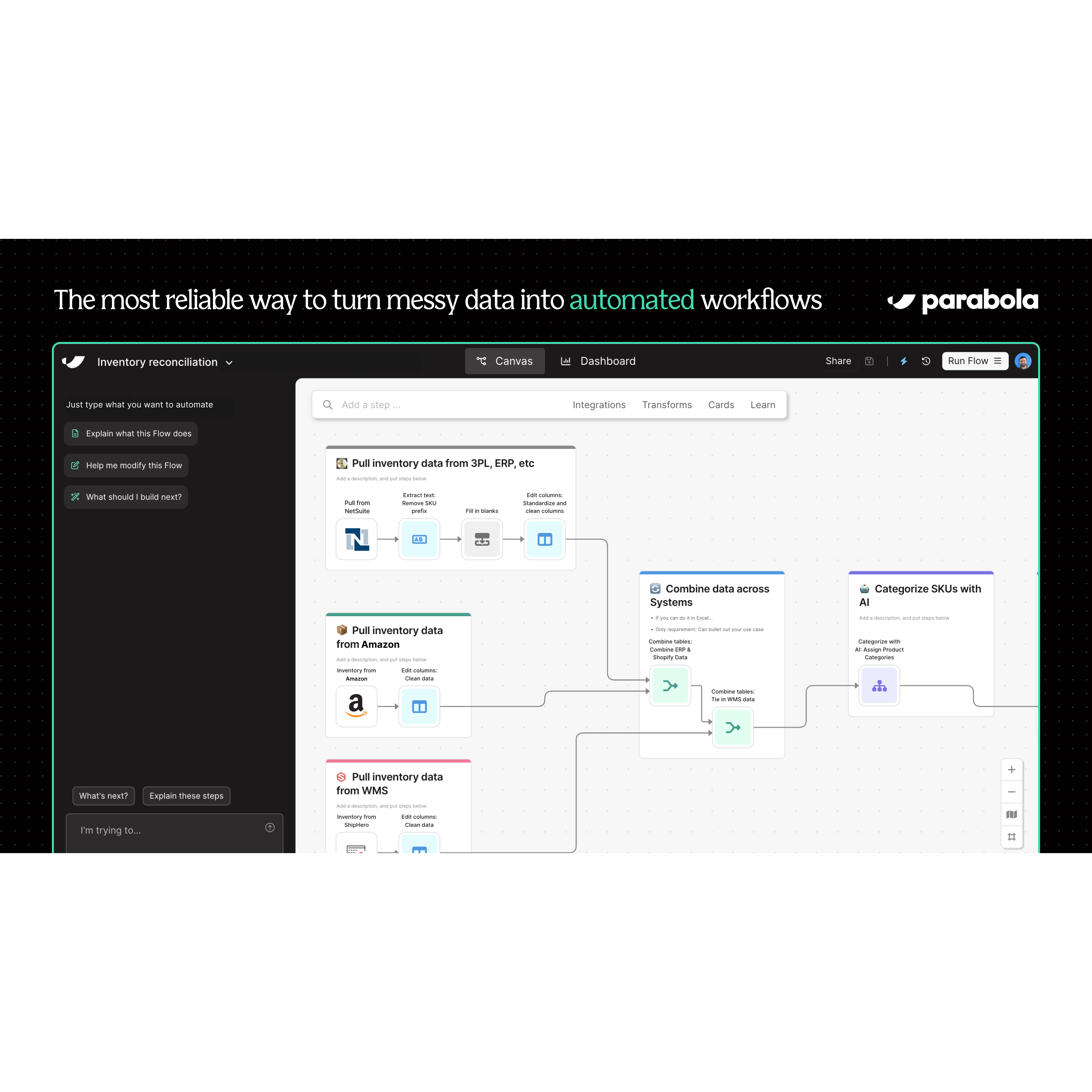
9. Parabola for data transformation
Parabola turns messy spreadsheets into clean, structured datasets using visual flowcharts. You drag and drop steps to filter, merge, and format data without writing SQL. This is ideal for marketing teams cleaning lead lists or finance teams reconciling expenses. The tool handles repetitive data cleaning tasks automatically. It saves hours of manual Excel work every week.
10. Composio for AI agent tools
Composio connects AI agents to external applications like Slack, GitHub, and Jira through standardized tool calls. It allows autonomous bots to perform actions across your software stack securely. This bridges the gap between generative AI and practical business tasks. Developers can build agents that actually execute workflows rather than just chatting. It expands the utility of AI beyond simple text generation.

How we selected these AI tools
We evaluated dozens of platforms to find the AI automation tools that actually work for small businesses. Instead of chasing the latest hype, we focused on three practical criteria: ease of use, integration depth, and cost-effectiveness.
Ease of use was our first filter. If a tool requires a computer science degree to connect your email to your spreadsheet, it is not suitable for a lean team. We prioritized platforms with intuitive drag-and-drop interfaces, such as Zapier and Make, which allow non-technical users to build workflows quickly.
Integration depth came next. A tool is only as good as the apps it connects to. We looked for platforms that offer native integrations with the software small businesses already use, like QuickBooks, Slack, and Gmail. Deep integration reduces the need for manual data entry and minimizes errors.
Finally, we analyzed cost-effectiveness. Many automation tools offer generous free tiers, but we looked for sustainable plans that scale with your business. We excluded platforms with hidden fees or complex pricing structures that make budgeting difficult. Our goal was to recommend tools that deliver clear value without breaking the bank.
| Tool | Ease of Use | Integrations | Price |
|---|---|---|---|
| Zapier | High | 5,000+ | Free tier available |
| Make | Medium | 2,000+ | Free tier available |
| n8n | Low-Medium | 100+ | Self-hosted free |
Common questions about AI automation
Small business owners often look for specific tools to handle repetitive tasks without hiring additional staff. The following questions address the most common queries regarding AI automation for small teams in 2026.
Helpful gear
Use these product recommendations as a starting point, then choose the size, material, and price point that fit how you actually use the gear.



As an Amazon Associate, we may earn from qualifying purchases.
No comments yet. Be the first to share your thoughts!